
Category Sort
263.5K playsDecide whether each picture is an animal, food, toy, or vehicle before time runs out.
A 🐶 dog pops up on your screen. Is it an Animal? A Bird? A Fish? An Insect? You already know the answer in your heart — but can your finger tap the right button before the clock runs out? That's Category Sort: a fast, colorful sorting adventure where every single item is looking for its true home, and it's up to you to send it there!
🎯 The Four Buttons Change Every Round!
Here's the clever twist: the four category buttons are never the same twice! A 🐶 dog might ask you to choose between Animal, Bird, Fish, or Insect — but a 🍕 pizza might ask Food, Toy, Vehicle, or Animal instead. That means you can never just memorize the same four buttons — you have to really look at each item and think fresh, every single round.
🕹️ How to Play
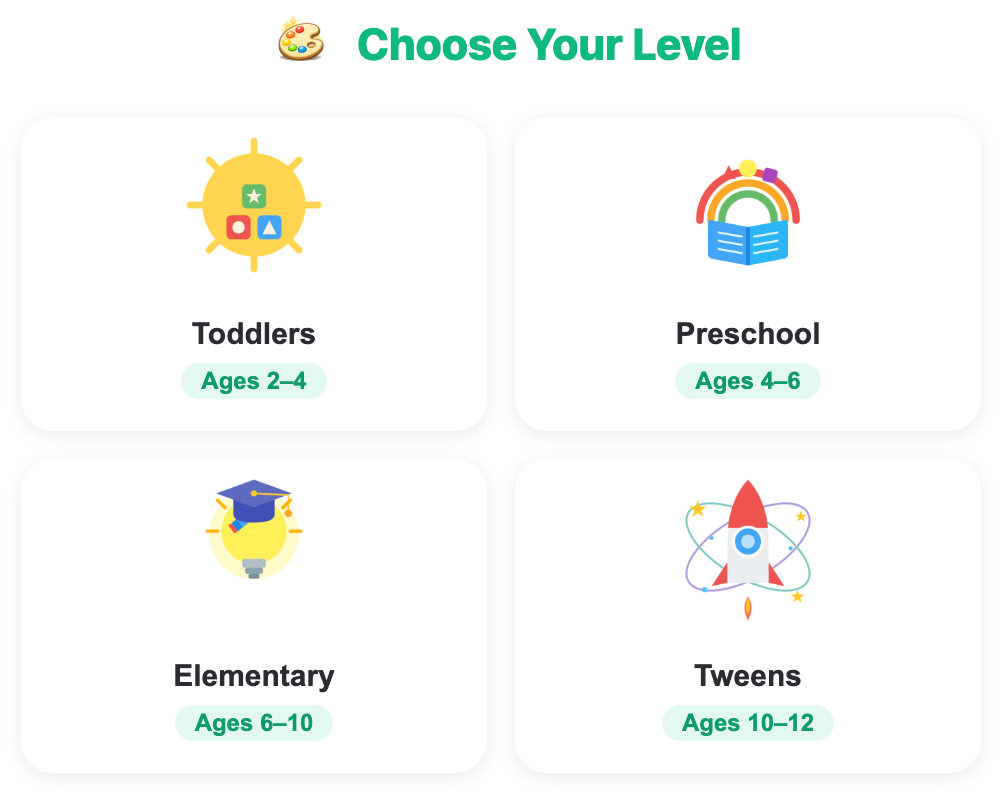
Step 1 — Pick your level: Tap the age card that fits you best. Younger players get more seconds per round, older players race a faster clock.
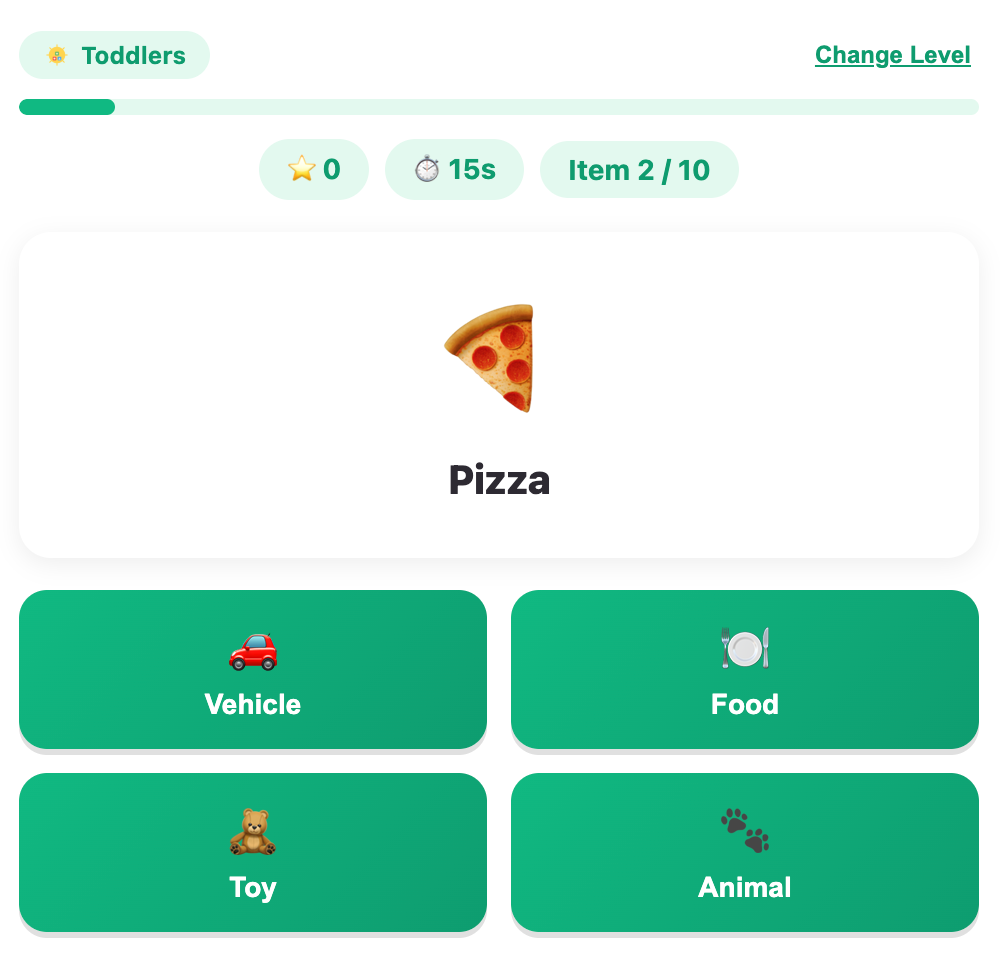
Step 2 — Look at the item: A big emoji and its name appear on your card — it could be an animal, a food, a toy, a vehicle, an instrument, or more!
Step 3 — Watch the timer: The clock starts counting down right away, so think fast!
Step 4 — Pick the right group: Four category buttons appear, each with its own icon and label. Tap the one you think the item truly belongs to.
Step 5 — See your points: Get it right and the button glows green — you earn 10 points, plus a speedy time bonus for answering fast! Get it wrong (or run out of time), and the correct category still lights up so you learn it.
Step 6 — Keep sorting: Play through all 10 items, then see your total score, a fun emoji, and your star rating!
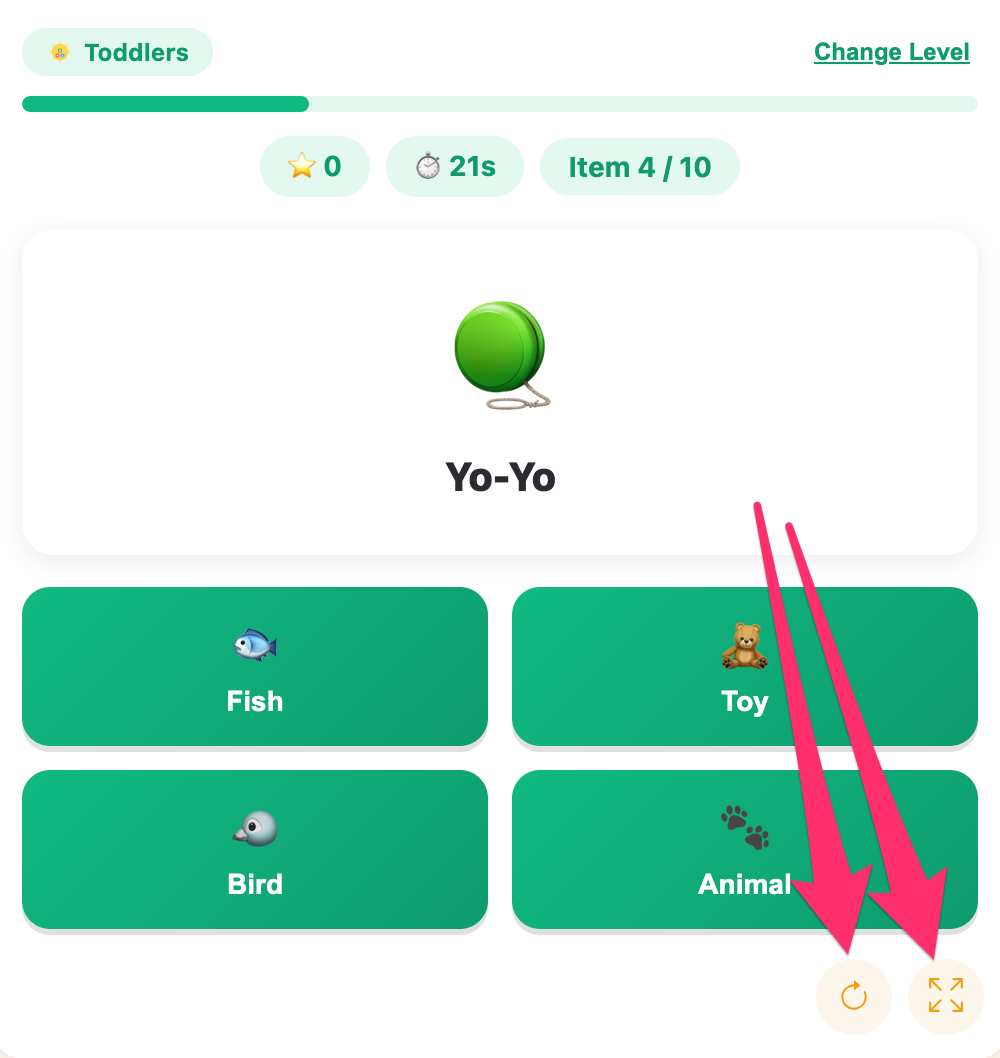
Handy tools: tap the fullscreen button above the game so the icons and labels are big and easy to compare while the clock is ticking, and use the reload button any time you want to start fresh.
🧠 How to Sort Like a Sorting Champion
Your score depends on getting it right and being fast — up to 5 bonus points for a speedy answer! Here's how to sort quickly and correctly:
Ask "what group does this belong to?" first. Before even looking at the buttons, think about the item on its own — is it alive? Do you eat it? Do you wear it? Do you play with it?
Scan all four buttons before tapping. Sometimes two buttons look close (like Fruit and Vegetable), so a quick full scan helps you avoid a sneaky mix-up.
Use the icon as a backup clue. Each button has its own little icon next to the label — if you're ever unsure of a word, the icon can help confirm it.
Notice the "odd" categories. Sometimes a button like Instrument or Furniture shows up next to Animal choices — that's usually a hint the item isn't a living thing at all.
Learn from every reveal. Even when you're wrong, the correct button lights up green — take one extra second to notice it so you're ready next time you see that item.
Category Sort builds a real thinking skill scientists call categorization — the ability to notice what makes things alike and put them into groups. It's one of the very first ways our brains make sense of a big, busy world!
📋 Try These 8 Category Sort Examples
Here are 8 example items, just like the ones waiting inside the game. Which group does each one truly belong to?
🐶 Dog — Animal, Bird, Fish, or Insect? (Answer: Animal)
🦆 Duck — Bird, Fish, Insect, or Fruit? (Answer: Bird)
🍎 Apple — Fruit, Vegetable, Food, or Toy? (Answer: Fruit)
🍕 Pizza — Food, Toy, Vehicle, or Animal? (Answer: Food)
🧸 Teddy Bear — Toy, Vehicle, Animal, or Bird? (Answer: Toy)
🚗 Car — Vehicle, Animal, Bird, or Fish? (Answer: Vehicle)
🎸 Guitar — Instrument, Clothing, Furniture, or Sport? (Answer: Instrument)
👕 Shirt — Clothing, Furniture, Sport, or Animal? (Answer: Clothing)
The real game has over a hundred items waiting to be sorted — animals, foods, toys, vehicles, instruments, clothes, furniture, and more — so there's always something new to learn!
🌟 Why This Game is Wonderfully Suited for Kids
Think of Category Sort as a tiny, cheerful librarian training program for your child's brain — teaching them to look at anything in the world and instantly know which "shelf" it belongs on.
Builds real-world classification skills. Kids practice the exact same thinking used to organize a toy box, a bookshelf, or a grocery list.
Sharpens quick, confident decisions. The friendly timer and time bonus teach kids that trusting what they already know is often faster than second-guessing.
Keeps every round brand new. Since the four buttons change with each item, kids stay genuinely engaged instead of just memorizing a pattern.
Turns mistakes into "aha!" moments. The correct category always lights up, so even a wrong guess leaves a child a little bit smarter.
Grows with your child. More time for younger players, less time for older ones, so the challenge always feels just right.
A joyful, snappy brain workout. Ten fast rounds make for one exciting burst of thinking — perfect for a quick break between activities.
🖼️ See the Game in Action
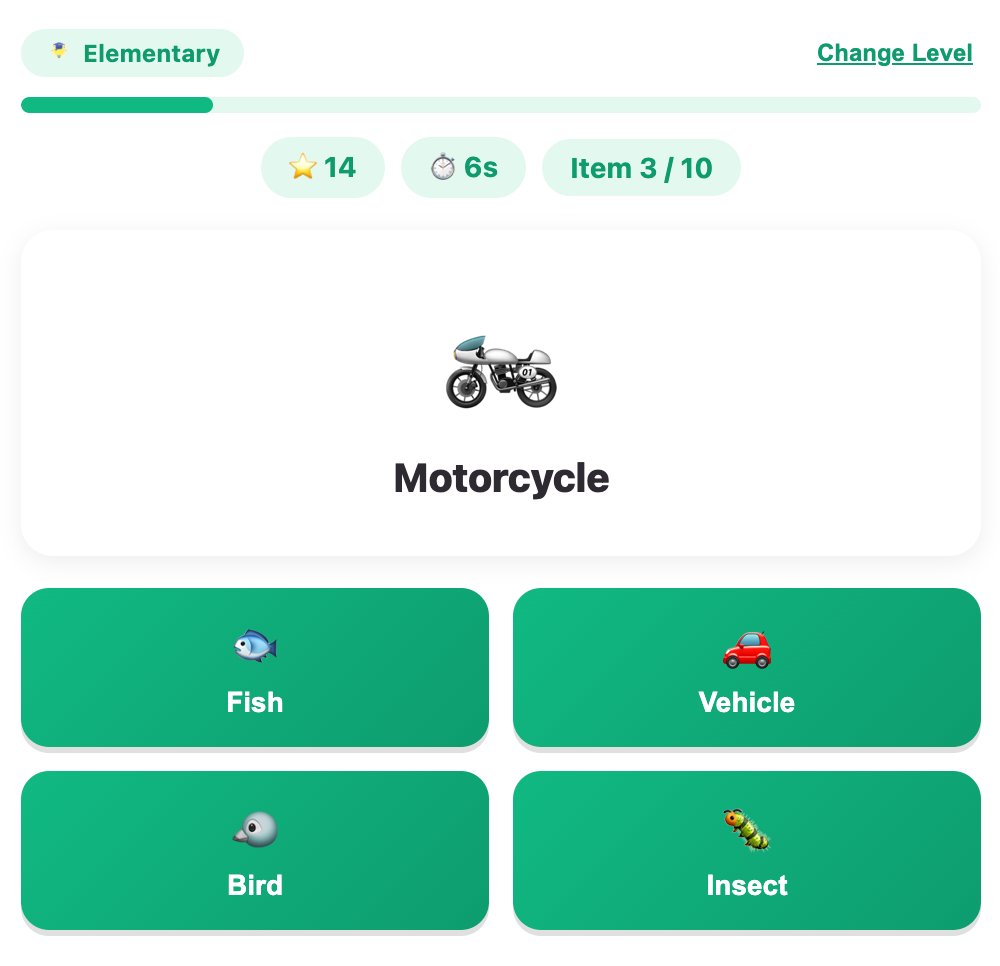
A screenshot about an example question for elementary
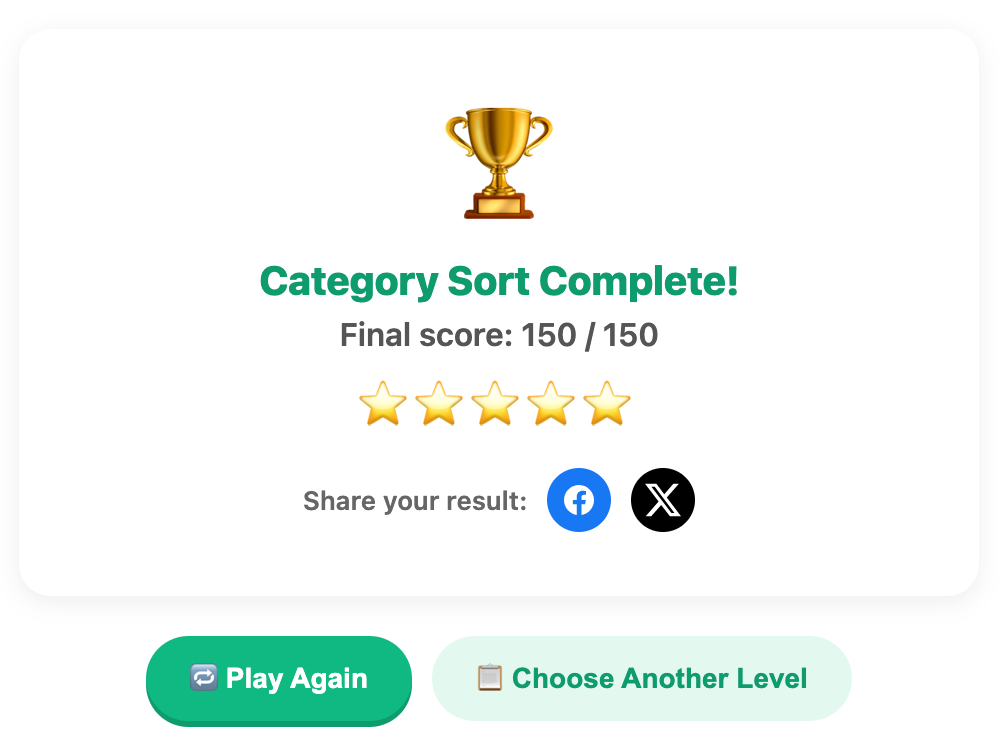
A screenshot when complete a game
More Mind Games
 365.8K plays
5.0
365.8K plays
5.0
Tic-Tac-Toe
Play a game of Tic-Tac-Toe against the computer and see if you can outsmart it.
 1.1M plays
4.9
1.1M plays
4.9
Chess
Play the classic game of chess against the computer or a friend, with FIDE time controls, hints, and undo.
 568.6K plays
4.9
568.6K plays
4.9
Connect Four
Drop your pieces and be the first to connect four in a row against the computer or a friend.
 514.4K plays
5.0
514.4K plays
5.0
Maze Runner
Guide your explorer through a maze to find the treasure, using as few steps as you can.
Most Played Games
 1.8M plays
4.9
1.8M plays
4.9
Color & Draw
A free-drawing canvas with colors and brush sizes to unleash your creativity.
 59.5K plays
4.8
59.5K plays
4.8
Recycling Sort
Sort everyday items into the Recycle, Compost, or Trash bin before time runs out!
365.8K plays
5.0
Tic-Tac-Toe
Play a game of Tic-Tac-Toe against the computer and see if you can outsmart it.
 274.1K plays
5.0
274.1K plays
5.0
Sentence Builder
Pick your age level, then tap the shuffled words in the right order to build the sentence.
Comments (100)